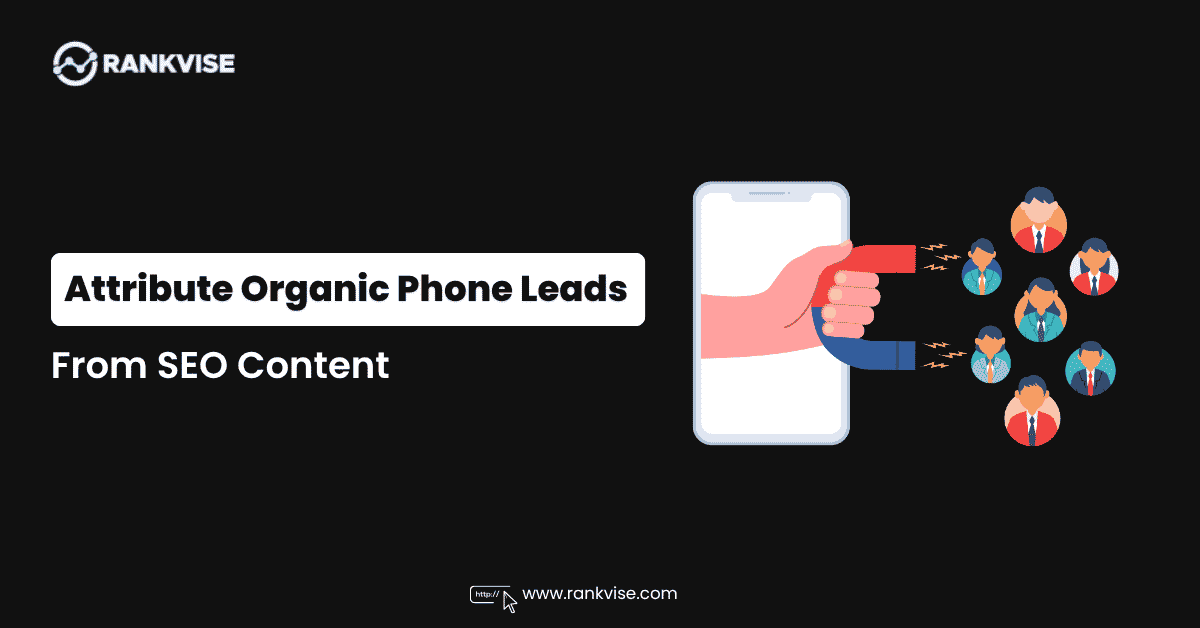
A content team manages an SEO-driven website for a local business. Everything looks good: traffic grows, the client reports inbound calls, and the engagement metrics look solid. At first glance, nothing in the dashboard suggests a problem.
However, once the team pulls analytics to identify which pages are driving conversions, most calls show up as direct traffic with no source data. There is nothing to bring to the next strategy meeting except a traffic chart and a gut feeling.
That disconnect between call volume and actionable data is common enough to have a name: the lead attribution gap. In organic traffic, it is particularly challenging to close because search sessions do not carry tracking parameters the way paid campaigns do. A visitor arrives from Google, reads the content, and calls. Without session tracking, the system loses that connection.
Inbound call tracking software bridges that gap. This article covers how attribution for organic phone leads actually works, which tools handle it, and what to do with the data once it is in place.
What Attribution for Phone Leads Actually Requires?
Lead attribution for phone leads from organic search requires clarity on three things. Without all of them, your team is making optimization decisions based on assumptions rather than actionable signals:
- Which page generated the call? Within the same site, different pages can have different call conversion rates. A comparison page converts differently from an informational guide, even when both rank for related queries and attract similar traffic volume. Knowing that phone leads came from the site is not enough. The data needs to be resolved to a specific page. How that works depends on how attribution is configured.
- Which traffic segment produced it? Different traffic sources bring different audiences with different intents and conversion behaviors. When all sources are reported together, the lead attribution becomes messy. Aggregate numbers hide how each one is actually performing, and you end up optimizing for the mix rather than for what truly works.
- Where in the session did the call happen? A visitor who calls after spending very little time on the page likely arrived with a clear intent. A visitor who reads through the content before calling suggests the page itself played a role in the decision. The session duration before a call helps clarify what role a given page is actually playing in the conversion process.
All three questions have the same dependency: a system that captures session context at the moment the call happens. That system starts with dynamic number insertion.
How Dynamic Number Insertion (DNI) Works?
Dynamic Number Insertion (DNI) is the mechanism that connects a phone call to the session that produced it. Instead of showing every visitor the same static number, DNI swaps in a unique number from a pool based on session data.
The pool consists of standard forwarding numbers. All calls route to the same destination, but each call carries the metadata of its session.
Note: There is one number per session, not per page.
The number is assigned as the session starts and stays fixed for its entire duration, regardless of how many pages the visitor views. A visitor who arrives through a general article, falls into a sales funnel, navigates to a BOFU page, and calls from there will be tracked under a single session with a single set of attribution data attached to it.
Which page gets credit for that call depends on the lead attribution model you’re running. First-touch assigns the call to the entry point; last-touch gives credit to whatever page the visitor was on before dialing. If neither of those tells the full story, session path reporting shows the entire navigation sequence.
A page with a low direct conversion rate isn’t automatically dead weight. If a significant share of calls runs through the same sequence (informational article → comparison page → service page), that middle step is doing real work. Session path data can show you the value of that middle step.
Without proper lead attribution and session path reporting, that contribution is invisible, and the page looks like a candidate for cuts or deprioritization when it should actually be getting more attention.
Tools for Phone Lead Attribution
Using the right lead attribution tools at any stage gives you a clearer picture of how visitors behave on your site and what is actually driving conversions.
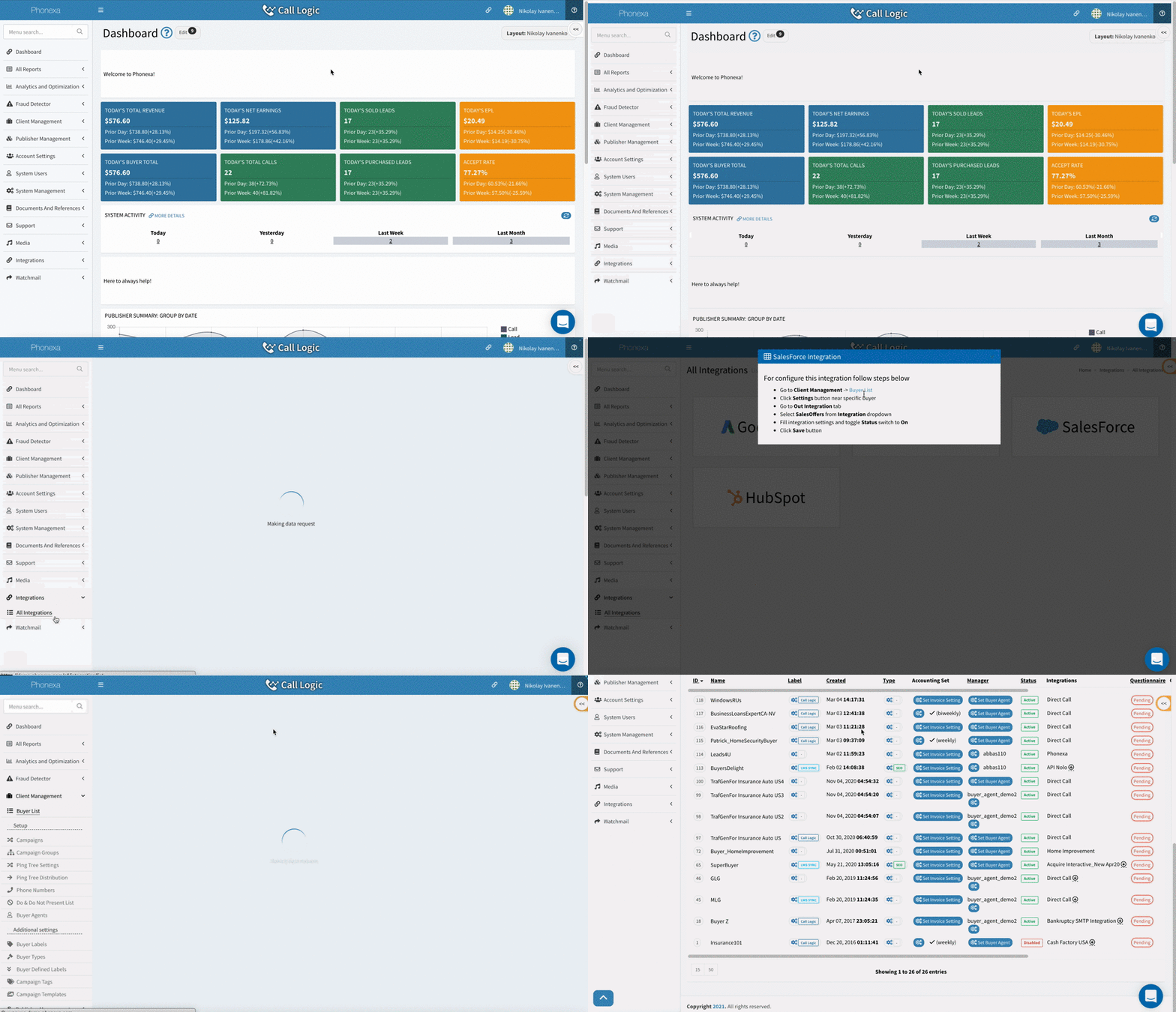
The tracking layer captures session data at the moment a call happens. CallRail and WhatConverts are the standard options here. Both integrate with GA4 and support landing page and source reporting for organic sessions. Also, they both connect with common CRMs such as HubSpot or Salesforce, so call data flows into your lead management workflow automatically.
Once you’re distributing leads across multiple buyers, you need the infrastructure layer: platforms that handle call routing, distribution logic, and cross-buyer reporting. Ringba and Phonexa are the two most commonly used tools in this space.
Phonexa goes further on the automation side. The platform applies machine learning to score call quality against historical data and flag suspicious patterns. At the same time, AI call agents handle inbound calls, qualifying and routing leads automatically. At that volume, call tracking starts functioning as part of your operational Infrastructure.
Turning Lead Attribution Data Into Decisions
Raw call volume tells you that something is working. Lead attribution data tells you what exactly is working and where. Once you can tie your lead generation efforts back to specific pages and sessions, the next three metrics become especially useful for marketers:
- Conversion rate by page. It’s the core metric for lead attribution for content marketers. These are sessions for calls, measured at the individual URL level. It shows which pages are actually generating revenue and which are pulling traffic without producing calls. A page with low conversion rates either has a mismatch between content and visitor intent, a weak or unclear CTA, or an audience that is researching rather than ready to act.
- Call duration serves as a proxy for assessing lead quality. Call tracking tools record the duration of every call and tie it back to the session and landing page that produced it. You can see how many calls a page generated and how long those calls lasted on average. A page averaging 20-second calls is telling you something different than a page that helps you generate conversations lasting 4-5 minutes. You cannot see what happened on the other end of the call, but duration gives you an indirect signal about traffic quality at the page level.
- Repeat call rate. When the same caller dials in multiple times across separate sessions, you can see this pattern in the tracking data. A high repeat call rate from a specific page can mean the caller did not reach anyone on the first attempt or is actively comparing options. Either way, it is worth investigating separately from overall conversion performance.
Tracking this data consistently is what turns call volume into actionable intelligence rather than a number that looks good in a report but provides no insights.
3 Common Phone Lead Attribution Mistakes
Most teams that install call tracking solutions on their website assume that configuring the tools is the hardest part of building a reliable attribution setup. In practice, most lead attribution problems come from decisions made after installation. You need to know how to configure them correctly and how to work with the data they produce. Here is where teams most often get it wrong:
- Using a single static number across the entire site is recommended. Most call tracking platforms support DNI by default, but many teams configure one number sitewide and never revisit the setup. With a static number, you can confirm that a call came from your site and nothing more. You won’t get any page-level data, session context, or any understanding of which content is driving conversions. To avoid this issue, make sure DNI is active and that your number pool is large enough to cover concurrent sessions without overlap.
- Relying entirely on advertiser-side data. The advertiser sees calls that reached them, but your tracking logs every call your site generated, including those that dropped before connecting. That gap directly affects lead attribution accuracy. Without your tracking layer, there is no way to tell what worked and what did not.
- Making optimization decisions without first checking the attribution model can lead to poor results. If you are running first-touch attribution and BOFU pages look weak on conversion rates, the instinct is to cut or deprioritize them. But those pages may rarely be entry points; they could be converting visitors who arrived through other pages. Before acting on page-level data, verify which attribution model is in place and what it is actually measuring. The model shapes the numbers, and the numbers only make sense in that context.
Internal links are one part of a broader linking strategy. The other method involves earning backlinks from external sources. Internal links help search engines understand how your content is structured and pass authority between pages on your site. Backlinks do something different: they signal to search engines that other sites consider your content worth referencing.
Wrapping Up: Importance of Proper Call Tracking
Growing organic traffic and increasing call volume are promising signs. But if there is no lead attribution, you can’t tell which pages are driving those calls. Without proper attribution, the data becomes difficult to act on.
Call tracking fills that gap by connecting individual calls to the sessions, pages, and traffic sources that generated them. Once lead attribution is configured correctly, you can identify which content is actually driving results and make optimization decisions based on data rather than assumptions.