Run the same website through three inbound link checkers, and you will get three different answers.
One tool says 1,200 referring domains. Another says 850. A third says 2,100. Which one is right?
Each one is right in its own way. Every inbound link checker crawls the web differently, stores links differently, and updates on its own schedule.
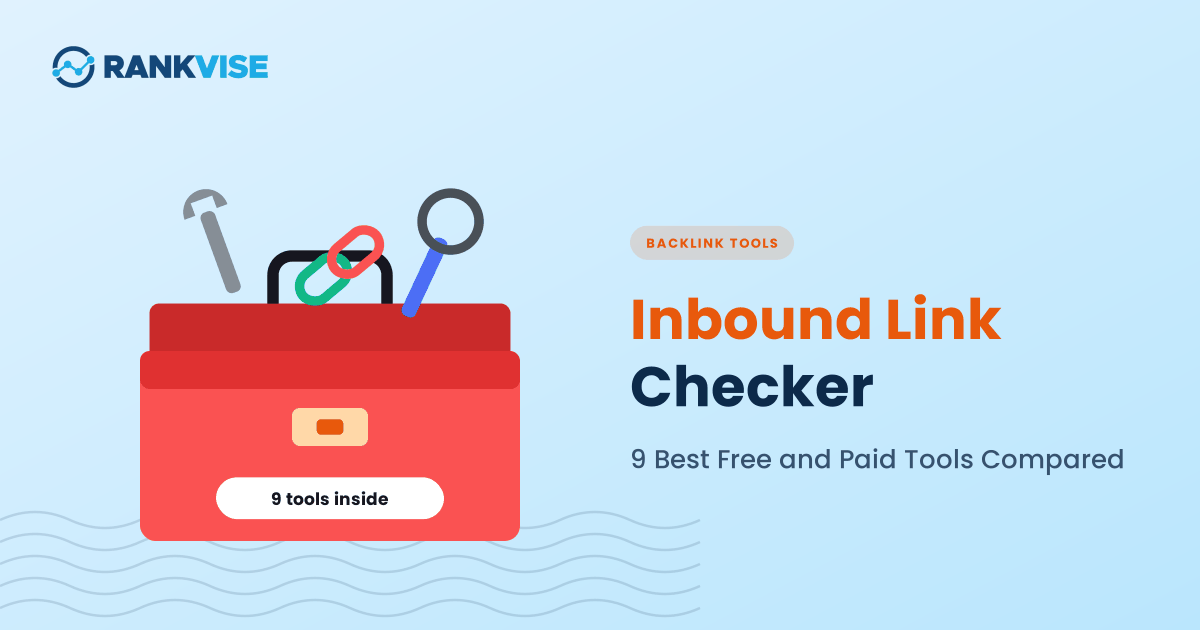
This guide compares the best inbound link checker tools, free and paid. You will learn what each one does best, why the numbers differ, and how to pick the right tool for your goals.
What Is an Inbound Link Checker?
An inbound link checker is a tool that finds links pointing to a website from other websites. These links are also called backlinks or incoming links.
A good checker shows:
- Referring domains: How many unique websites link to you.
- Backlinks: The total number of individual links.
- Anchor text: The words used in links.
- Link type: Followed or nofollow.
- New and lost links: Changes over time.
- Linked pages: Which of your pages attract links.
Why Do Different Tools Show Different Numbers?
Link checkers build their own maps of the web. Their results differ because of:
- Crawl size. Bigger crawlers find more links.
- Crawl frequency. Some revisit pages often, others rarely.
- Index cleaning. Some tools remove dead or spammy links faster.
- Counting rules. Tools treat redirects, canonical URLs, and subdomains differently.
No tool sees every link. The goal is not perfect numbers. The goal is consistent data you can act on.
Quick Comparison: Best Inbound Link Checkers
| Tool | Free option | Competitor data | Best for |
|---|---|---|---|
| Google Search Console | Yes, for your sites | No | Links Google actually found |
| Bing Webmaster Tools | Yes, for your sites | Yes, via similar sites | Free competitor comparison |
| Ahrefs | Free for verified sites | Paid plans | Large index, new and lost links |
| Semrush | Limited free account | Yes | Backlink audits and toxicity checks |
| Moz Link Explorer | Limited free queries | Yes | Domain Authority and Spam Score |
| Majestic | Limited free checks | Yes | Trust Flow and historic data |
| Mangools LinkMiner | Limited free account | Yes | Budget-friendly link checks |
| SE Ranking | Free trial | Yes | Agencies wanting value |
| Ubersuggest | Limited free searches | Yes | Beginners and small sites |
Free Inbound Link Checkers
1. Google Search Console
Search Console’s Links report shows external links Google has found to your site. It covers top linked pages, top linking sites, and top linking text.
Strengths:
- Free and based on Google’s own data.
- Exports up to 100,000 rows for “latest links” and “more sample links”.
Weaknesses:
- Google calls it a sample, not a complete list.
- No followed or nofollow labels.
- No first-seen or lost dates.
- Your own verified sites only.
2. Bing Webmaster Tools
Bing’s Backlinks report shows referring domains, pages, and anchor text from Bing’s index.
Strengths:
- Free.
- Lets you compare your backlinks with similar sites, giving free competitor data.
Weaknesses:
- Based on Bing’s crawl, not Google’s.
- Fewer filters than paid tools.
3. Ahrefs Free (Ahrefs Webmaster Tools)
Ahrefs’ free plan gives verified site owners access to Ahrefs backlink data.
Strengths:
- Uses Ahrefs’ large link index.
- Shows followed and nofollow links, new and lost links.
- Free for unlimited verified sites, with up to 1,000 backlinks visible at once.
Weaknesses:
- No competitor research on the free plan.
Paid Inbound Link Checkers
4. Ahrefs Site Explorer
Ahrefs is widely considered one of the strongest backlink tools available.
Key features:
- New, lost, and broken backlink reports.
- Referring domains with Domain Rating and traffic.
- Link intersect to find sites linking to competitors but not you.
- Batch Analysis to check hundreds of URLs at once.
Pricing: Lite starts at $129 a month. A limited Starter plan costs $29 a month.
Best for: Agencies, link builders, and serious SEO teams.
5. Semrush Backlink Analytics
Semrush offers a strong backlink database and a dedicated Backlink Audit tool.
Key features:
- Authority Score for domains.
- Toxic link signals and disavow file creation.
- Backlink gap analysis against competitors.
- Bulk analysis.
Best for: Teams already using Semrush, and anyone needing structured backlink audits.
6. Moz Link Explorer
Moz created Domain Authority, still one of the most recognised authority metrics.
Key features:
- Domain Authority and Page Authority.
- Spam Score to flag risky links.
- Link intersect and discovered and lost links.
Pricing: Moz Pro starts around $49 a month.
Best for: Teams and clients who report in Domain Authority.
7. Majestic
Majestic is a link-focused tool with a long history.
Key features:
- Trust Flow and Citation Flow metrics.
- Topical Trust Flow, showing the subject areas of linking sites.
- Fresh and historic link indexes.
Best for: Link specialists who want detailed link quality signals.
8. Mangools LinkMiner
LinkMiner is part of the Mangools suite, alongside KWFinder.
Key features:
- Simple backlink lists with key metrics.
- Link preview to see the linking page context.
- Included in all Mangools plans.
Best for: Small businesses and freelancers on a budget.
9. SE Ranking and Ubersuggest
SE Ranking offers a backlink checker and monitoring within an affordable all-in-one platform. It is popular with agencies.
Ubersuggest includes simple backlink reports for beginners, with low-cost and lifetime plans.
What to Look for in an Inbound Link Checker
| Feature | Why it matters |
|---|---|
| Index size and freshness | More links found, faster updates |
| New and lost links | Spot changes quickly |
| Followed vs nofollow | Understand link value |
| Competitor analysis | Find link building opportunities |
| Link intersect | Sites linking to rivals but not you |
| Spam or toxicity signals | Spot risky links |
| Export options | Work in spreadsheets |
| Alerts | Get notified about new and lost links |
| Price and limits | Fit your budget and usage |
How to Choose the Right Inbound Link Checker
For Small Businesses
Start free with Google Search Console, Bing Webmaster Tools, and Ahrefs Webmaster Tools. This covers your own site well.
For Freelancers and Small Agencies
Consider an affordable tool like Mangools, SE Ranking, or Ubersuggest for competitor checks.
For SEO Agencies and Link Builders
Choose Ahrefs or Semrush for deep competitor research, link gaps, and bulk analysis.
For Enterprise Teams
Look for API access, large limits, and integrations. Many enterprise teams use more than one link tool for broader coverage.
Authority Metrics Explained: DR, DA, Authority Score, and Trust Flow
Each tool scores websites with its own authority metric. They look similar but are calculated differently.
| Metric | Tool | What it estimates |
|---|---|---|
| Domain Rating (DR) | Ahrefs | Strength of a site’s backlink profile |
| Domain Authority (DA) | Moz | Likelihood of a site ranking, based on links |
| Authority Score | Semrush | Overall domain quality, from links and traffic |
| Trust Flow (TF) | Majestic | How closely a site links to trusted seed sites |
| Citation Flow (CF) | Majestic | Volume of link influence |
None of these are Google ranking factors. They are third-party estimates. Use them to compare sites quickly, but always judge real relevance and traffic too.
How to Judge the Quality of an Inbound Link
High numbers do not always mean a good link. Ask these questions about each important link:
- Is the linking site relevant to your business or audience?
- Does the site have real organic traffic, especially in your target country?
- Is the link placed in useful content, not in a footer or sidebar list?
- Does the page link out to many unrelated sites? That can signal a link farm.
- Would you want the link even if Google did not exist? Good links also send real visitors.
A relevant link from a smaller site with a real audience often beats a link from a big, unrelated site.
Free vs Paid: What You Really Get
| Need | Free tools enough? |
|---|---|
| Monitor your own links | Yes |
| Spot lost links on your site | Mostly, with Ahrefs Webmaster Tools |
| Analyse competitors in depth | No |
| Bulk-check outreach lists | No |
| Run regular link gap analysis | No |
| Create client backlink reports | Partly |
How to Use an Inbound Link Checker Effectively
- Pick one main tool and use it consistently for trends.
- Focus on referring domains, not total backlinks.
- Review new links monthly and celebrate real wins.
- Recover valuable lost links with friendly outreach.
- Fix links pointing to broken pages with redirects.
- Run a link gap analysis against three competitors every quarter.
- Avoid panic over spam links. Google ignores most of them.
Common Mistakes When Using Link Checkers
- Comparing numbers across different tools. Stick to one tool for trends.
- Chasing high authority scores instead of relevance and traffic.
- Disavowing links in a panic after seeing a toxicity score.
- Ignoring lost links, which often cost more than new links gain.
- Checking once and forgetting. Links change every month.
Real-World Example: Finding a Link Gap
Consider a B2B software company struggling to rank against two larger competitors.
The SEO lead used an inbound link checker’s link intersect report. She found 40 industry websites linking to both competitors but not to her company.
Many were review sites, partner directories, and industry blogs that had published “best tools” lists. She prioritised the 15 most relevant sites and pitched them with product updates and expert commentary.
Over three months, the company earned links from several of these sites. Rankings for key product keywords improved, and referral traffic from review sites grew.
Conclusion: Use the Right Checker for the Job
There is no perfect inbound link checker. Every tool sees part of the web.
For your own site, start with free tools: Google Search Console, Bing Webmaster Tools, and Ahrefs Webmaster Tools. For competitor research and link building, invest in Ahrefs, Semrush, Moz, or Majestic, depending on your needs and budget.
Choose one main tool, track referring domains over time, and turn link data into action: recover lost links, fix broken ones, and close the gap with competitors.
FAQs
What is the best free inbound link checker?
For your own site, use Google Search Console, Bing Webmaster Tools, and Ahrefs Webmaster Tools together.
Why do backlink checkers show different numbers?
Each tool crawls the web differently, updates at different speeds, and counts links using its own rules.
Which inbound link checker has the biggest index?
Ahrefs, Semrush, and Majestic are known for large link indexes. Results vary by website and market.
Can I check a competitor’s inbound links for free?
Partly. Bing Webmaster Tools’ similar sites view and limited free accounts from Semrush or Moz offer some data.
Should I worry about spammy inbound links?
Usually not. Google ignores most spam links. Act only on links from link schemes or manual actions.