Skip to content
A few years ago, creating a single piece of content could eat up my entire day. I’d spend hours writing, designing visuals, editing clips, and fixing small details. It wasn’t hard work, just slow work.
- AI shortens repetitive production steps so I spend more time on ideas and storytelling.
- I use AI for rapid idea generation to get prompts, topic ideas, and story concepts without staring at a blank page.
- Text to image and AI video tools let me prototype visuals and generate clips quickly for fast iteration and testing.
- AI does not replace me; I guide prompts, refine outputs, and make strategic choices for better results.
AI changed that part of the process.
It doesn’t magically create great content on its own, and I still guide every idea. But it removes many slow steps in production. Tasks that once took an hour can now take a few minutes. This helps a lot when I publish content often.
In 2026, AI is not a replacement for creators. It works more like an assistant. It speeds up the work around the idea. I spend less time on repeated tasks. I spend more time improving the content.
Here is how AI helps me stay productive.
Why Productivity Matters for Creators
Most platforms reward consistency. The more regularly I publish, the more likely my content is to reach new people.
But publishing regularly is harder than it sounds. A typical piece of content usually involves several steps:
- brainstorming ideas
- writing scripts or prompts
- creating visuals
- editing video or images
- designing thumbnails
- exporting and publishing
Doing all of that manually takes time. When the process slows down, posting consistently becomes difficult.
AI shortens many of these steps. AI makes many steps shorter. I do not start from nothing. I start with something the AI creates. Then I change it until it matches what I want.
This saves a lot of time.
AI Makes Idea Generation Faster
Honestly, half the time, the absolute hardest part of this job is just starting.
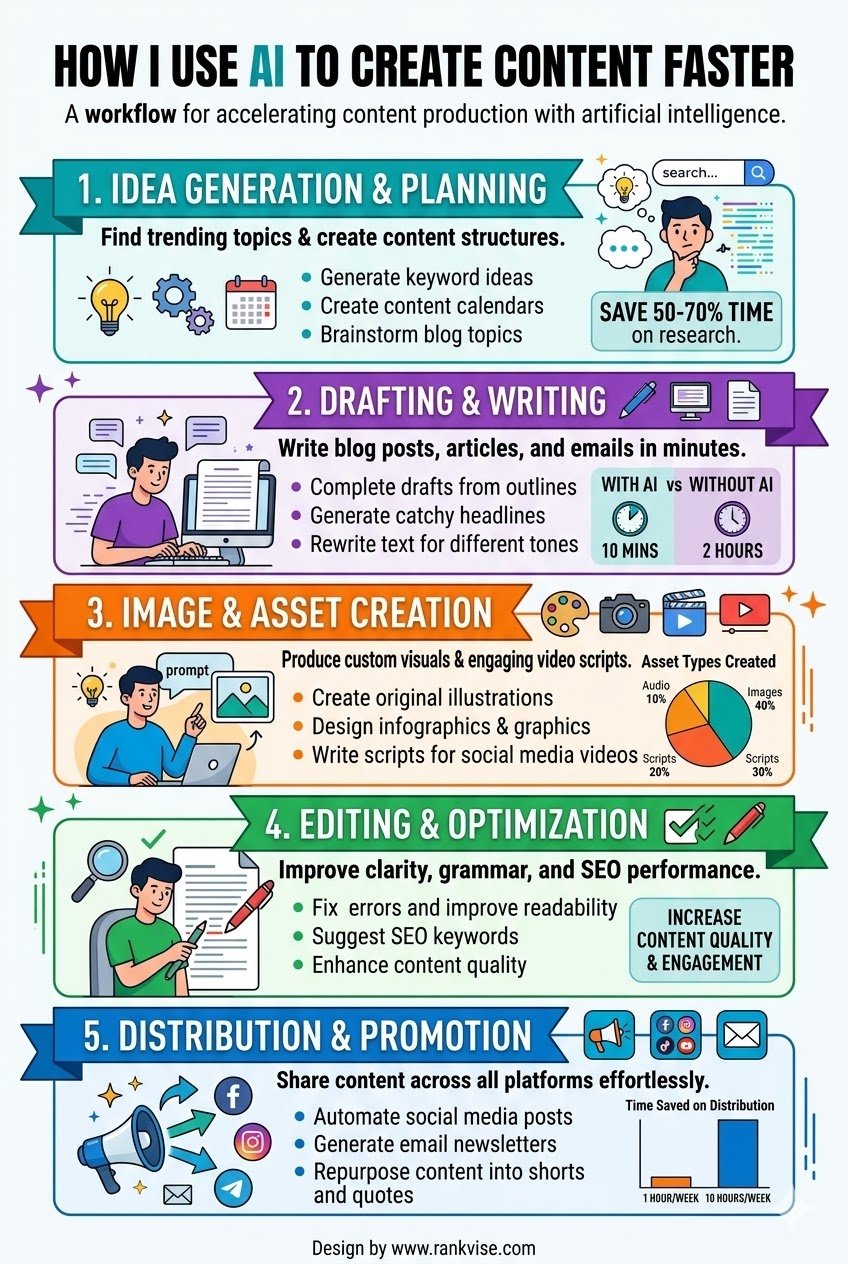
I often ask AI to create:
- video topic ideas
- story concepts
- prompt variations
- scene descriptions
Many creators today are exploring different ways to make money with AI in 2026, and AI can help speed up content production for monetization strategies. When I have a few ideas, I ask AI for suggestions. The ideas are not perfect. But they help me start thinking.
Most of the suggestions are average, honestly. But one or two are usually interesting enough to build on.
The real benefit is that I’m no longer staring at a blank page.
Rapid Visual Prototyping
Testing visual ideas used to be slow. If I wanted to try several styles for a thumbnail or illustration, I had to design each version manually.
AI image generators changed that.
Now I can create multiple visual drafts in minutes. I simply describe the image, and the system produces several variations.
For example, I might generate different versions of:
- a YouTube thumbnail
- a social media graphic
- a background scene for a video
Instead of committing to one design early, I can explore different directions quickly. Then I pick the best option and refine it.
Faster production also supports a stronger YouTube growth strategy, because consistent publishing often matters more than perfection.
Faster Iteration
One of the biggest advantages of AI tools is how quickly I can adjust things.
If an image or video is close to what I want, I do not start again. I simply modify the prompt or tweak the settings.
Within seconds, I get a new variation.
This makes experimentation easier. I can test more ideas without spending hours rebuilding everything.
The process feels more like creative exploration than technical work.
AI Video Generation Saves Time
Video production used to take the most time.
Recording footage, organizing clips, editing scenes, and adding effects required several tools and many manual steps.
AI video generators simplify this.
Instead of filming every scene myself, I can generate clips using:
- text prompts
- images
- reference videos
Some systems even allow motion references, where a video guides the movement in the generated scene.
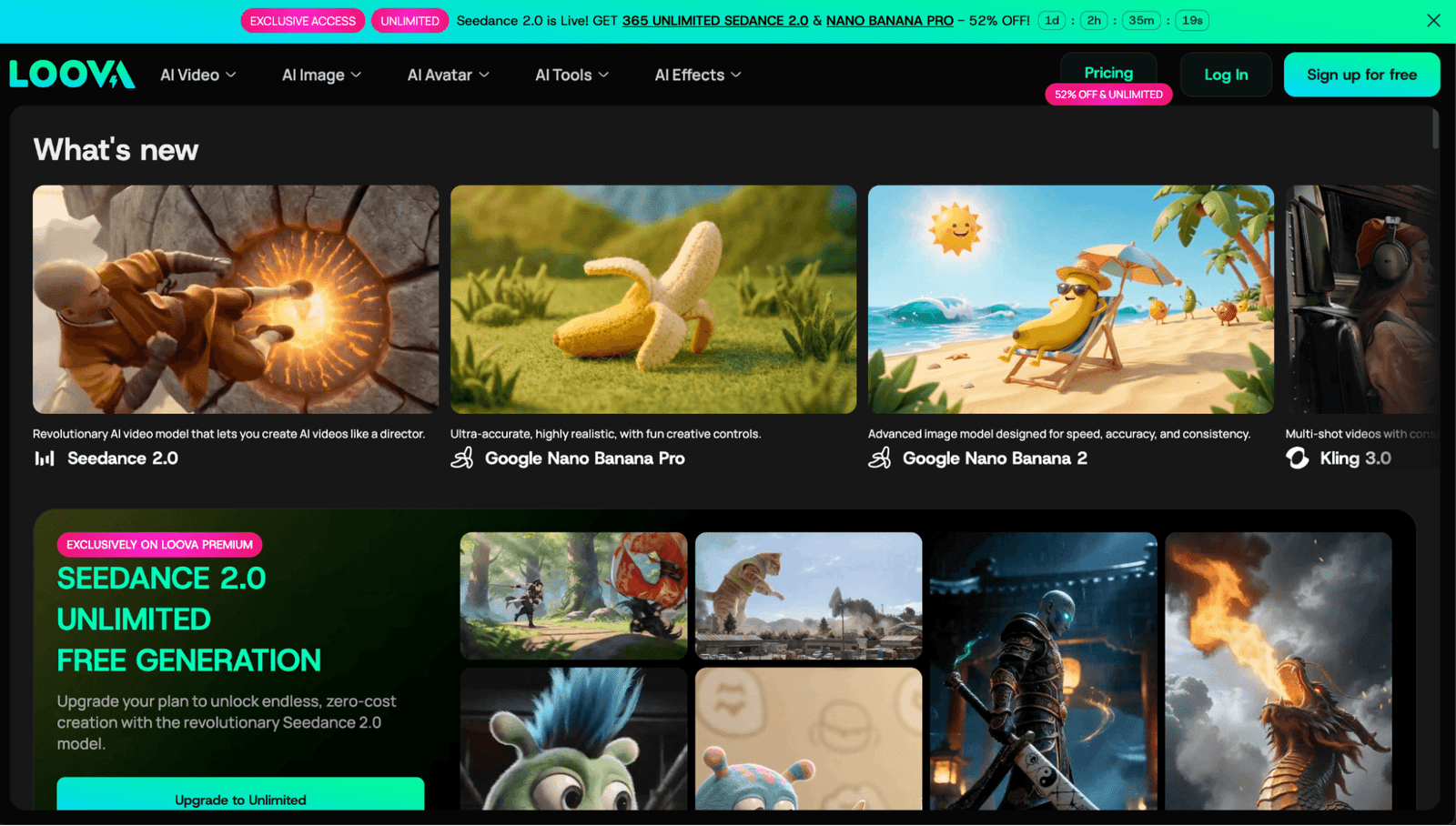
Platforms like Loova AI bring several of these tools together in one place. I can create video scenes, change visuals, and test styles without switching between different apps.
This makes the production process much shorter, especially for short videos.
AI Image Generation for Visual Assets
Visuals are everywhere in modern content. Thumbnails, graphics, blog images, and promotional visuals all help capture attention.
AI image generation makes producing these assets much easier.
Text to Image
With text to image tools, I describe the image. The system creates several options.
For example:
- a cinematic landscape
- a product-style photo
- a stylized illustration
Instead of searching through stock image libraries, I generate visuals that match the exact idea in my head.
Image to Image
Another feature I use a lot is image-to-image editing.
Instead of creating something entirely new, I upload an image and modify it.
This works well for things like:
- change the style of an image
- adjust lighting or colors
- replace the background
- create multiple versions of the same visual
For example, I may start with one product image. Then I create different versions of it. One version may have a dark background. Another may use bright colors. Another may look like a poster or illustration.
It’s a fast way to reuse existing assets while keeping the content fresh.
AI Editing Tools Reduce Manual Work
Editing is usually the most detailed part of production.
Traditional editing software offers powerful control, but it also requires time and technical steps.
AI editing tools simplify many common tasks.
For example, AI can help:
- remove unwanted objects
- change backgrounds
- extend scenes
- adjust lighting and colors
Instead of masking elements or editing frame by frame, I can apply changes with a few instructions.
This doesn’t replace professional editing software, but it speeds up everyday projects.
Keeping Characters Consistent
One challenge with generative visuals is consistency. Characters or subjects can change slightly between generated scenes.
Some modern AI tools solve this with reference systems.
These systems allow creators to maintain the same character across different images or video scenes. Motion imitation tools can also replicate movement from reference clips.
That consistency makes storytelling easier when using AI-generated visuals.
Integrated Workflows Save Time
Another reason AI improves productivity is workflow integration.
In the past I used separate tools for everything:
- one for image generation
- another for video editing
- another for thumbnails
- another for design
I moved files from one platform to another. I downloaded images, then uploaded them again. Then I edited them in another tool. I did this many times. The work became slower. I also lost focus.
In one place, I can generate images, create video clips, edit visuals, and prepare assets for publishing. I stay on the same platform. I do not need to switch platforms again and again. I also do not need to export and upload files many times.
This shift connects closely with modern content automation strategies and emerging agentic AI use cases, where creators focus on building repeatable systems instead of one off production work. Creators now care more about how fast they can make content than how impressive one clip looks.
AI Encourages More Experimentation
Traditional content production can discourage experimentation because every variation requires additional time.
AI removes that barrier.
I can quickly test:
- different thumbnail styles
- alternate visuals
- multiple story ideas
- different visual themes
For example, I often create several thumbnail ideas with an AI thumbnail maker.
Then I choose the one that fits the content best.
Testing more ideas helps improve the content.
AI Helps Solo Creators Do More
Many creators work alone or with small teams. Producing a lot of content without help can be difficult.
AI helps reduce this workload.
I do not create every asset from the beginning anymore. I ask AI to generate drafts first. These drafts give me a starting point. Then I improve them and make them fit my idea.
This saves a lot of time.
Because of this, I can do more work in the same amount of time. I can:
- publish content more often
- manage several content channels
- test new formats and ideas
I can also try different versions of the same content. For example, I can test different thumbnails, visuals, or video styles. AI creates the first versions quickly. I only need to adjust and improve them.
AI handles many repeated tasks. I focus on ideas and storytelling.
AI Still Needs Human Direction
Even with all these tools, AI doesn’t replace creativity.
Good content still requires:
- clear ideas
- thoughtful prompts
- editing and refinement
- strategic decisions
AI creates options. Creators choose what works best.
The best results come from AI speed and human judgment working together.
The Future of AI-Assisted Creation
AI tools continue to improve every year.
Some developments already underway include:
- better motion generation in video
- stronger character consistency
- smoother integration between AI tools
- improved collaboration features
As these tools improve, creators will spend less time on production tasks.
This leaves more time for creativity, testing ideas, and building an audience.
Final Thoughts
AI has changed how I create content.
Before, I spent most of my time making assets. Now I spend more time on ideas and storytelling. AI does many repeated tasks that used to slow the work.
Because of this, I can create more content and still keep good quality.
Creators who publish often can benefit from this. AI does not replace creativity. It helps make the workflow faster and easier.