A small ecommerce brand notices organic traffic slipping for three months. Content has not changed. Rankings for key product pages are drifting down.
- Use free and paid tools like Google Search Console, Bing Webmaster, and Ahrefs to track backlinks, new and lost links, and followed versus nofollow status.
- Prioritize referring domains and link quality over raw link counts; prefer diverse, relevant domains and natural anchor text to protect rankings.
- Run a monthly 30-minute routine: export new links, recover lost links by outreach, fix broken targets with 301 redirects, and log actions.
The cause turns out to be simple. A popular industry blog that linked to their best-selling category page removed the link during a redesign. Nobody noticed.
Incoming links, also called backlinks or inbound links, are still one of Google’s strongest ranking signals. Knowing who links to you, and when those links change, helps you protect and grow your search traffic.
This guide shows you how to check incoming links for free and with paid tools, what to look for, and what to do with the data.
What Are Incoming Links?
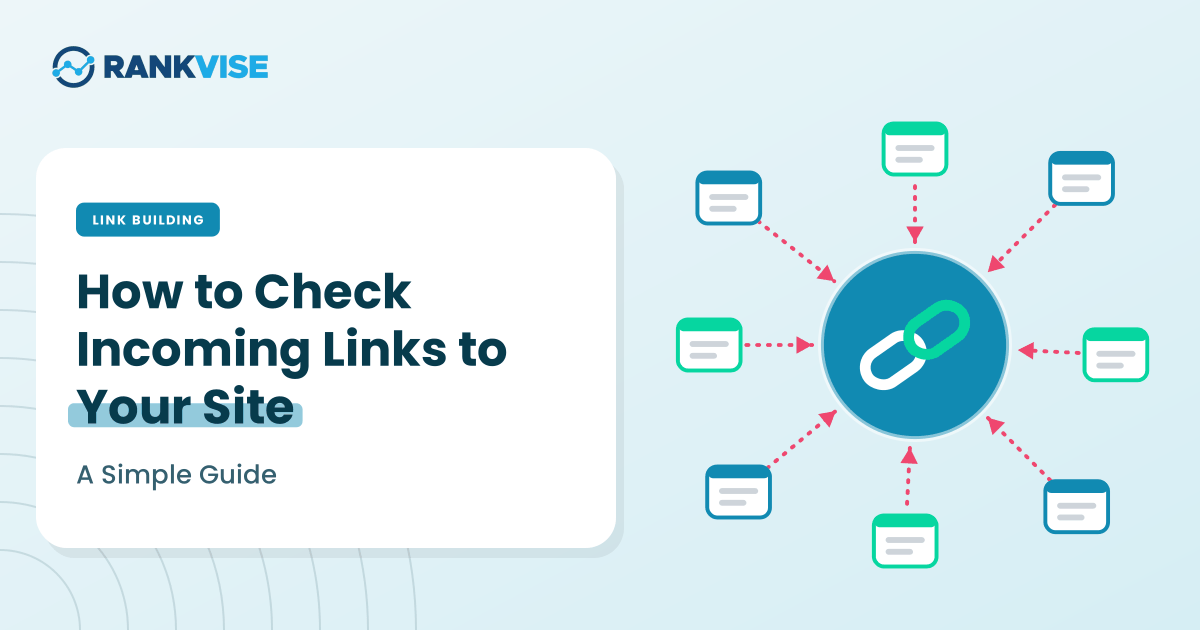
Incoming links are links on other websites that point to your website. When a blog, news site, or directory links to your page, that is an incoming link.
You will see a few related terms:
- Backlinks: Another name for incoming links.
- Referring domains: The number of unique websites linking to you.
- Anchor text: The clickable words used in the link.
- Followed and nofollow links: Followed links can pass ranking value. Nofollow links usually do not.
Referring domains matter more than raw backlink counts. Ten links from ten different sites usually beat 100 links from one site.
Why You Should Check Incoming Links Regularly
Regular checks help you:
- See what content earns links, so you can create more of it.
- Spot lost links before they hurt rankings.
- Find unlinked opportunities, such as partners who mention you without linking.
- Catch spam or attacks, such as sudden waves of low-quality links.
- Understand competitors, by comparing link profiles.
- Prove the value of PR and outreach, by showing new links earned.
For most businesses, a monthly check is enough. Check weekly during active link building or after a website migration.
Method 1: Google Search Console (Free)
Google Search Console is the best free place to start. It shows links Google has actually found.
How to Check Incoming Links in Search Console
- Sign in to Google Search Console and select your property.
- Click Links in the left menu.
- Under External links, review three reports:
- Top linked pages: Your pages with the most links from other sites.
- Top linking sites: Domains that link to you most.
- Top linking text: The most common anchor text.
- Click any page or site to see more detail.
- Click Export external links to download the data.
What Search Console Does Well
- Uses Google’s own data.
- Free for any verified site.
- Lets you export “latest links” and “more sample links” in larger files, up to 100,000 rows each.
Search Console Limitations
Google is clear that the Links report is a sample, not a full list. Its help page says the report “isn’t a comprehensive list of every link.”
Other limits:
- Tables on screen show up to 1,000 rows.
- It does not show whether links are followed or nofollow.
- It does not show when a link was first found or lost.
- You can only see data for your own verified sites.
Method 2: Bing Webmaster Tools (Free)
Bing Webmaster Tools includes a free Backlinks report. It shows referring pages, domains, and anchor text from Bing’s index.
A useful bonus: Bing lets you compare your backlinks with similar sites, even if you do not own them. That gives you free competitor link data.
You can also import your site from Google Search Console, which makes setup fast.
Method 3: Ahrefs Webmaster Tools (Free for Your Sites)
Ahrefs offers a free plan for verified site owners, often called Ahrefs Webmaster Tools. It uses Ahrefs’ own large link index.
According to Ahrefs, the free plan includes:
- Unlimited verified websites.
- Backlink data in Site Explorer, with up to 1,000 backlinks visible at once.
- Site Audit with 5,000 crawl credits per project each month.
It is a strong free complement to Search Console because it shows followed versus nofollow links and new and lost links.
Method 4: Paid Backlink Tools
Paid tools give the fullest picture and let you check any website, including competitors.
| Tool | Strengths | Best for |
|---|---|---|
| Ahrefs Site Explorer | Large index, new and lost link reports | Agencies and serious link builders |
| Semrush Backlink Analytics | Toxicity checks and backlink audit | Teams already on Semrush |
| Moz Link Explorer | Domain Authority and spam score | Teams that report in DA |
| Majestic | Trust Flow and Citation Flow, historic index | Link specialists |
| Mangools LinkMiner | Simple interface, lower cost | Small businesses and freelancers |
Each tool crawls the web differently. No tool sees every link, so numbers will never match exactly.
What to Look for When You Check Incoming Links
1. Referring Domains Over Time
A healthy site gains referring domains steadily. A sudden spike may mean a viral post, or a spam attack. A steady decline may mean lost links or a shrinking brand.
2. Link Quality
Ask simple questions about each important link:
- Is the linking site real, with real traffic?
- Is it relevant to your business?
- Is the link inside useful content, not a footer or spam list?
- Does the site link out to hundreds of unrelated sites?
3. Anchor Text Mix
Natural anchor text usually includes your brand name, plain URLs, and generic phrases like “click here.” If most links use the same exact keyword, it can look manipulative.
4. Your Most Linked Pages
Find pages that attract links. These are your best link assets. Add internal links from them to pages you want to rank.
5. Lost Links
Lost links can come from redesigns, deleted pages, or expired content. Reach out to recover the valuable ones.
6. Links to Broken Pages
Sometimes other sites link to pages on your site that no longer exist. Those links waste value. Redirect the broken URL to the most relevant live page.
How to Handle Toxic or Spammy Links
Most websites receive some junk links. Google says it typically ignores known spam links on its own.
| Situation | Recommended action |
|---|---|
| A few random spam links | Usually ignore them |
| Links you bought or built through schemes | Remove them or disavow them |
| Large, sudden spam attack | Monitor closely; consider disavow |
| Manual action in Search Console | Clean up links and submit a reconsideration request |
Use Google’s disavow tool carefully and only as a last resort. Disavowing good links by mistake can hurt rankings.
How to Check a Competitor’s Incoming Links
Your own data shows where you stand. Competitor data shows where you could go.
Free tools only show your own verified sites, with the partial exception of Bing’s similar sites view. For full competitor checks, use a paid tool like Ahrefs, Semrush, or Moz.
Here is a simple process:
- Enter a competitor’s domain in the tool’s backlink report.
- Sort referring domains by traffic or authority.
- Look for sites that link to two or more competitors but not to you.
- Note the content type that earned each link, such as a guide, tool, or data study.
- Build a short outreach list from the most relevant sites.
This “link gap” approach works well because those sites already link to businesses like yours.
How to Earn More Incoming Links
Checking links is only half the job. The other half is earning more. Proven approaches include:
- Create linkable assets, such as original data, calculators, and free templates.
- Reclaim brand mentions that do not link to you yet.
- Get listed in relevant, real industry directories and associations.
- Pitch expert commentary to journalists and industry blogs.
- Partner with suppliers and clients, who often have partner or case study pages.
Focus on relevance and real audiences. A handful of strong, relevant links usually beats dozens of weak ones. Avoid buying links in bulk, which breaks Google’s spam policies and can trigger penalties.
A Simple Monthly Incoming Links Routine
Here is a 30-minute routine any business can follow:
- Export new links from Search Console or Ahrefs Webmaster Tools.
- Review the top new referring domains. Note any great wins or suspicious spikes.
- Check lost links for important pages and reach out where it matters.
- Fix broken linked pages with 301 redirects.
- Look for unlinked mentions of your brand using Google search or alerts.
- Log results in a simple sheet: date, new domains, lost domains, actions taken.
Real-World Example: Recovering a Lost Link
Consider the ecommerce brand from the start of this guide. The team set up a monthly incoming links check using Search Console and Ahrefs Webmaster Tools.
They found the lost link from the industry blog. The blog’s editor had replaced the link during a redesign.
The marketing manager sent a short, friendly email with an updated resource the blog’s readers would value. The editor restored the link within a week.
The team also found 14 external links pointing to old, deleted product pages. They redirected each URL to the closest live category. Over the next two months, rankings for the category pages recovered.
Conclusion: Make Link Checks a Habit
Learning how to check incoming links is one of the simplest ways to protect your SEO. Start with Google Search Console and Bing Webmaster Tools for free data. Add Ahrefs Webmaster Tools for followed, nofollow, new, and lost link details.
Focus on referring domains, link quality, and the pages that attract links. Recover valuable lost links, fix links to broken pages, and avoid panicking over random spam.
A short monthly routine is enough to turn backlink data into steady SEO gains.
FAQs
How can I check incoming links to my website for free?
Use Google Search Console’s Links report, Bing Webmaster Tools, or Ahrefs Webmaster Tools for your verified sites.
Why doesn’t Google Search Console show all my backlinks?
Google shows a sample of links it has found. It is not a complete list, and some links are omitted.
How often should I check my backlinks?
Monthly is enough for most sites. Check weekly during link building campaigns or after a website migration.
Should I disavow toxic backlinks?
Usually not. Google ignores most spam links. Disavow only links from schemes or when you have a manual action.
What is the difference between backlinks and referring domains?
Backlinks are individual links. Referring domains count unique websites linking to you, which is a better quality signal.